
Example 1
Prompt example 1
Prompt: Macro shot of a hummingbird feeding from a tropical flower, slow motion, hyperreal, golden hour.
Best for: Nature B-roll, brand atmospheric backgrounds.
The fastest browser-based Gemini Omni interface. No install, no API key, no waitlist friction — paste a prompt and ship a video in 60 seconds.
Skip the prompt-writing learning curve. These 24 production-ready templates were tuned on the same prompts that produced Google's official Gemini Omni demos.
Movie Trailer · Sci-Fi Establishing Shot · Noir Detective
Product Hero · Unboxing · Lifestyle Lookbook
TikTok Hook · Reels Story · YouTube Shorts Intro
Whiteboard Explainer · Animated Diagram · Course Intro
Anime Music Video · 3D Pixar Scene · 90s VHS
AI Avatar Pitch · News Anchor · Podcast Visualizer
Every prompt below is one-click copyable. We benchmarked them all on Gemini Omni's public preview build.
Example 1
Prompt: Macro shot of a hummingbird feeding from a tropical flower, slow motion, hyperreal, golden hour.
Best for: Nature B-roll, brand atmospheric backgrounds.
Example 2
Prompt: Animated explainer of how photosynthesis works, labeled diagram, friendly 2D style, narration captions.
Best for: Educational content, course intros.
Example 3
Prompt: Cinematic 9:16 ad for a minimalist Scandinavian coffee brand, model holds cup, soft window light, on-screen text "morning, made better".
Best for: DTC product ads — note the legible on-screen text.
Example 4
Prompt: Remix the uploaded clip as a 1990s VHS commercial with retro typography and chromatic aberration.
Best for: Nostalgia campaigns, style-transfer testing.
Prompt craft
Small wording changes compound into cleaner motion, sharper lighting, and more legible typography in the final render.
Start the prompt with the who/what, not the style.
Add macro, wide shot, dolly in, 35mm, or tracking shot.
Golden hour, tungsten, overcast — light is what makes AI video look real.
Walks, tumbles, splashes beats is walking.
Keep in-video copy to ≤7 words for crispest rendering.
Shorter clips (4–6s) currently look sharper than 12s+.
Don't re-prompt from scratch — refine in chat.
Pick Text → Video, Image → Video, Remix, or Chat-Edit depending on whether you start from words, a still, a clip, or a prior generation.
Paste a prompt (and optional reference image or clip for Remix). Set style, aspect ratio, duration, and resolution before you generate.
Render in one click, then download MP4 / WebM / GIF, share a public link, or open the clip in Chat-Edit to iterate without starting over.
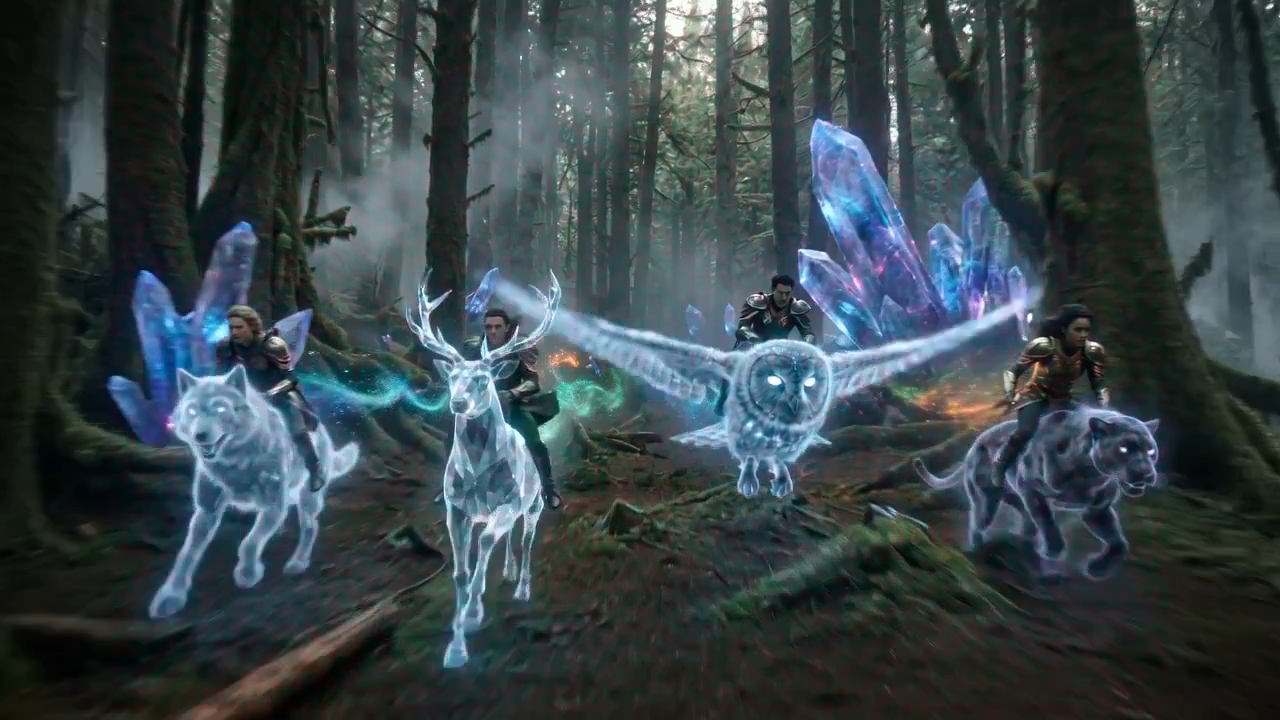
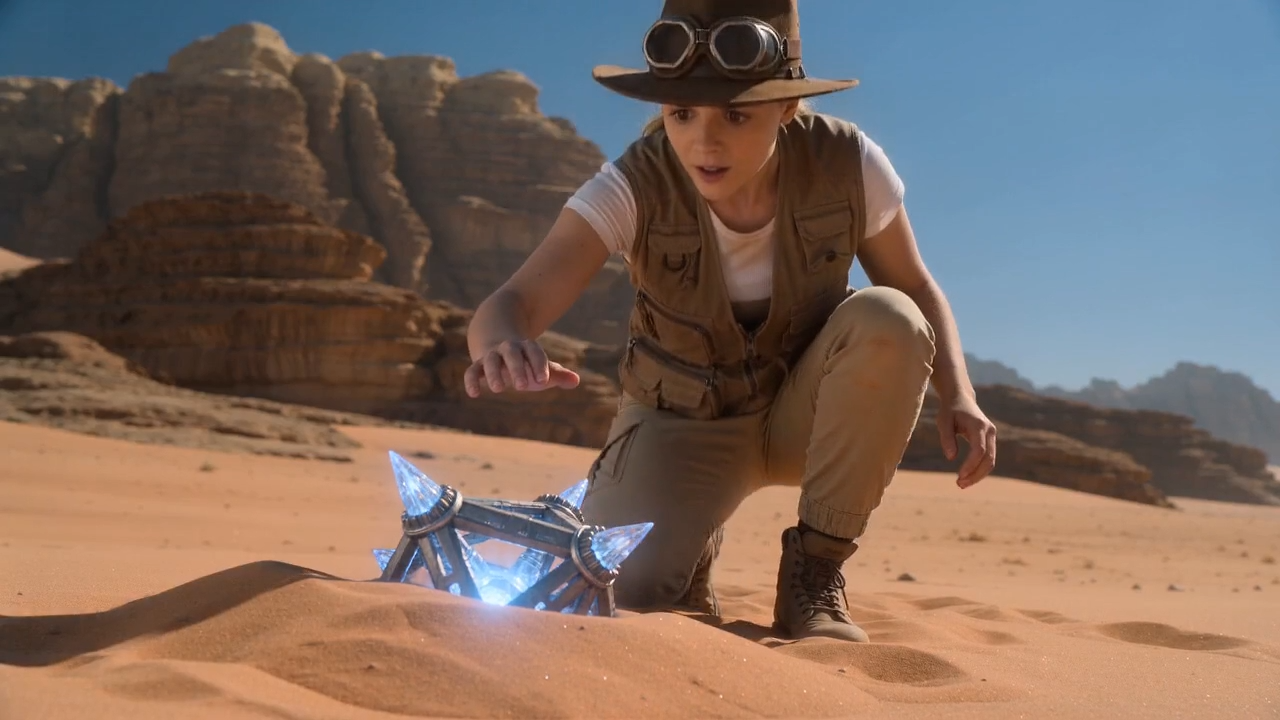
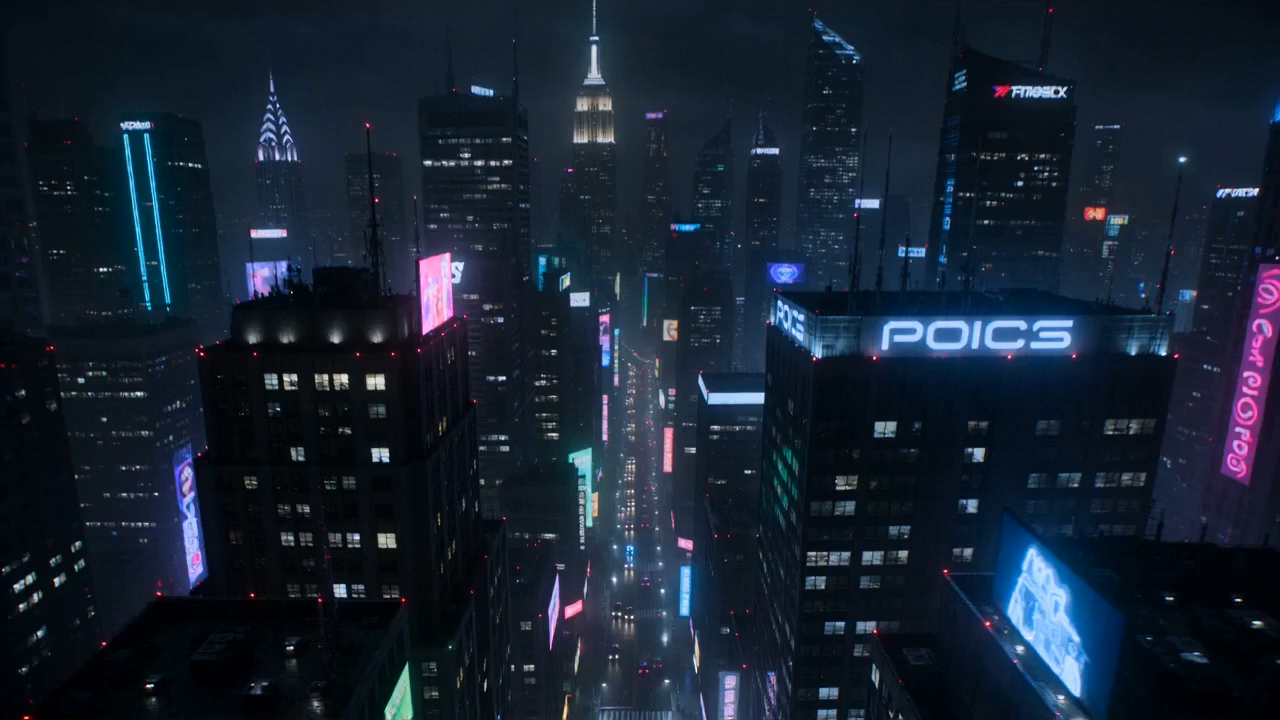
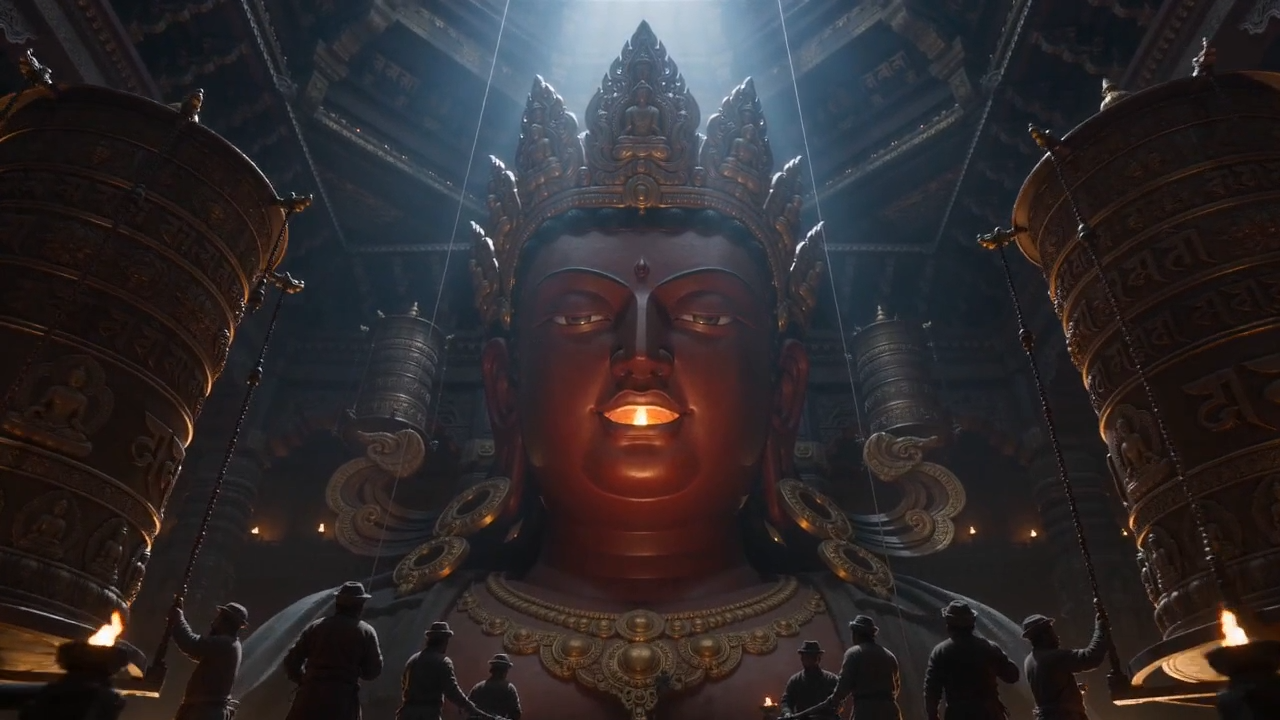
Every clip below was generated with Gemini Omni inside OmniGen. Hover any video to play and explore what the model can do.
All previews are real MP4 outputs — muted autoplay on hover (desktop) or tap to play on mobile.

Chalkboard classroom, profess…
35mm film look, cozy restaura…
Vertical 9:16 product unboxin…
Anime music video energy, ido…
1990s VHS commercial remix, t…
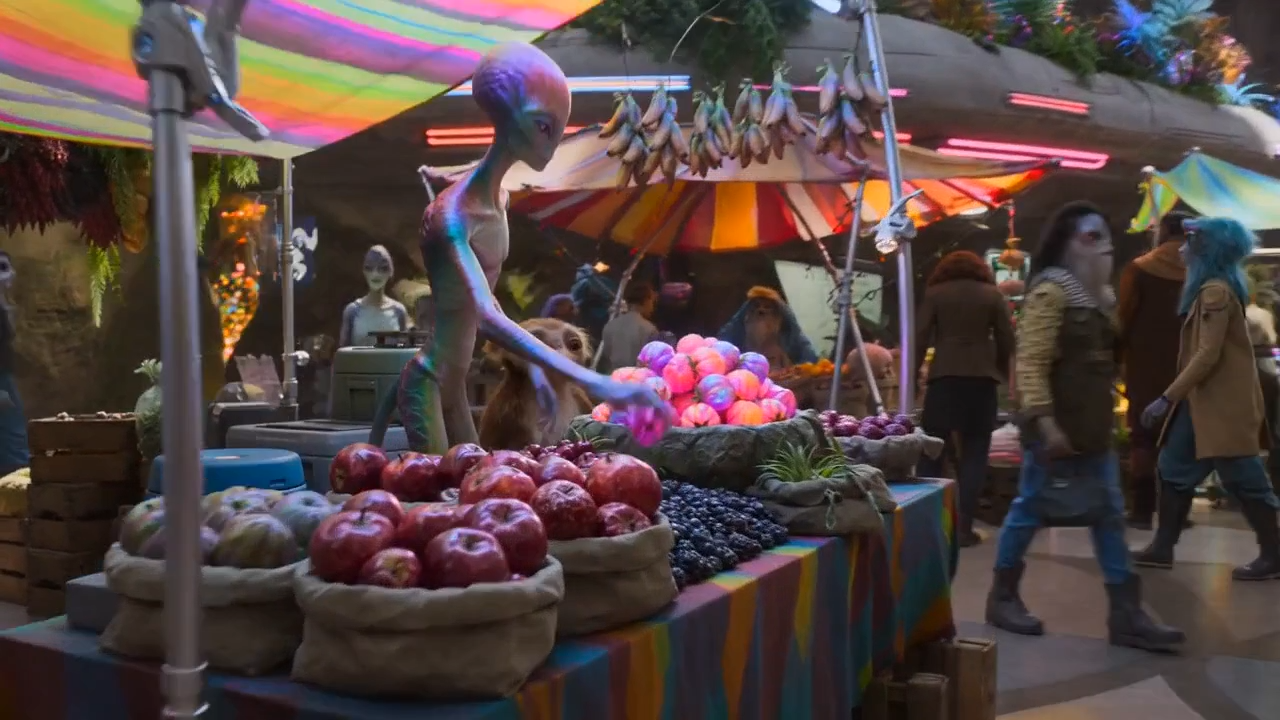
Whiteboard explainer, friendl…
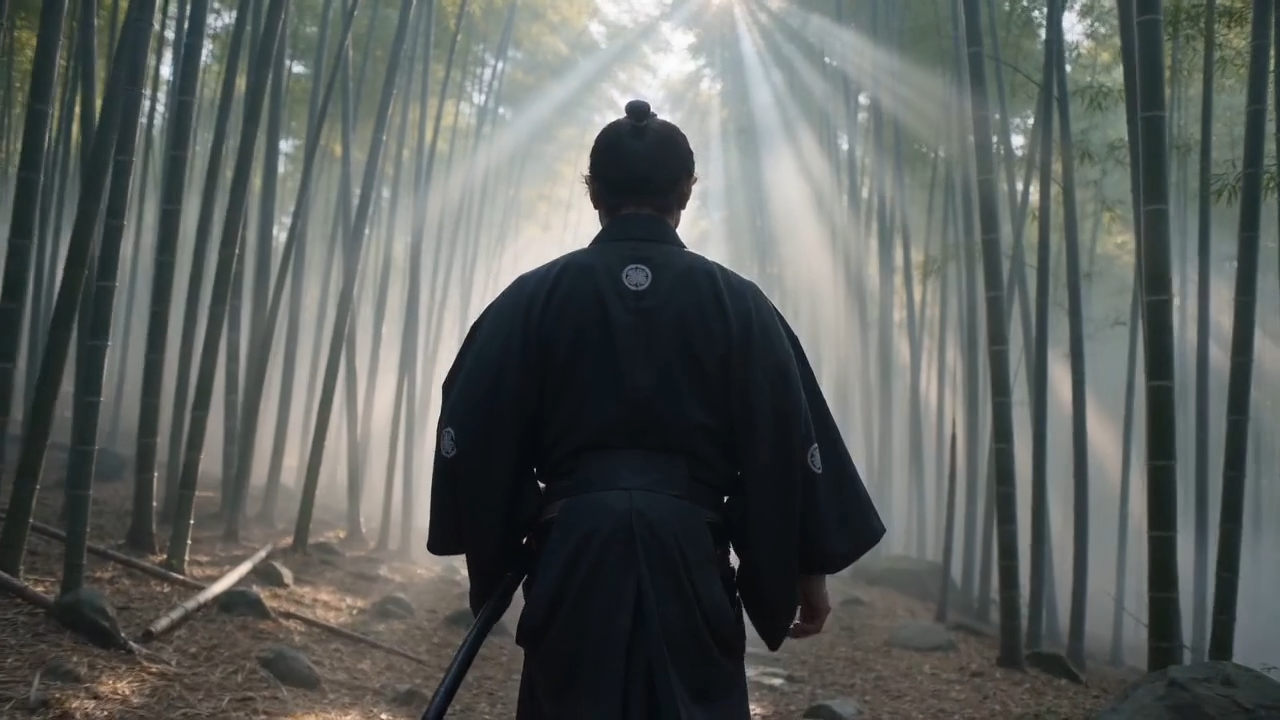
Talking-head AI avatar host, …
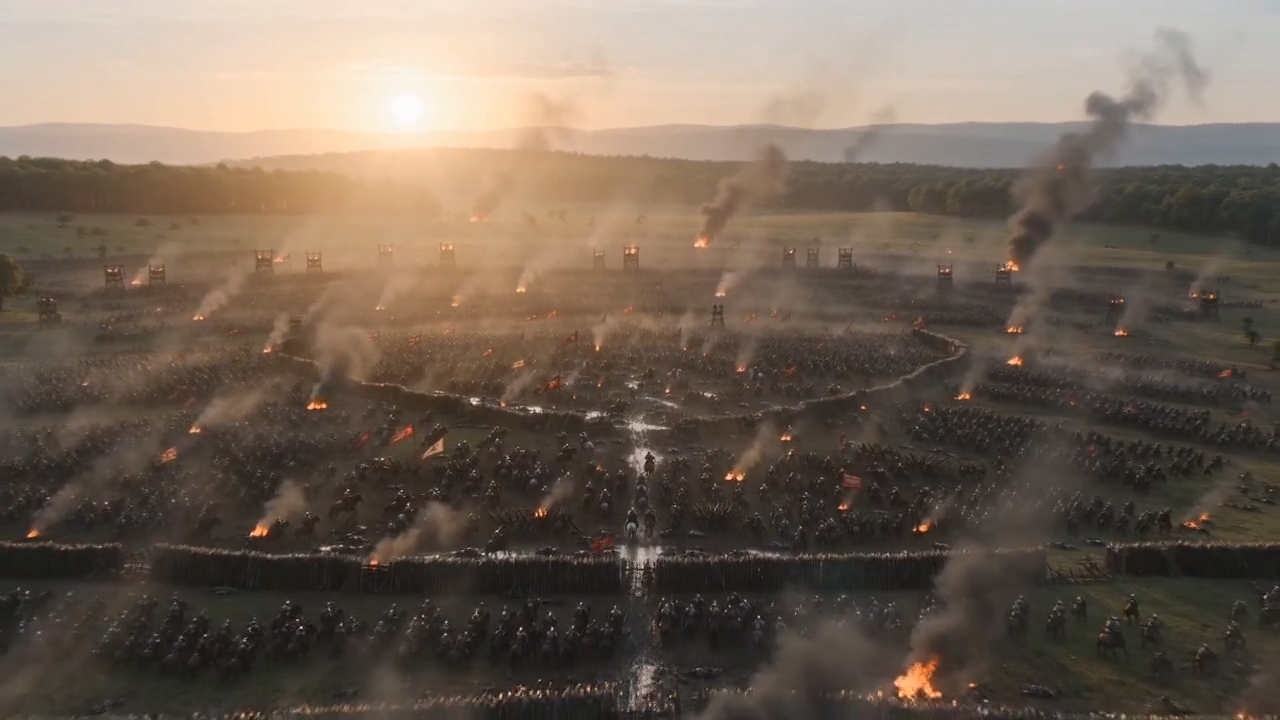
Luxury real estate drone tour…
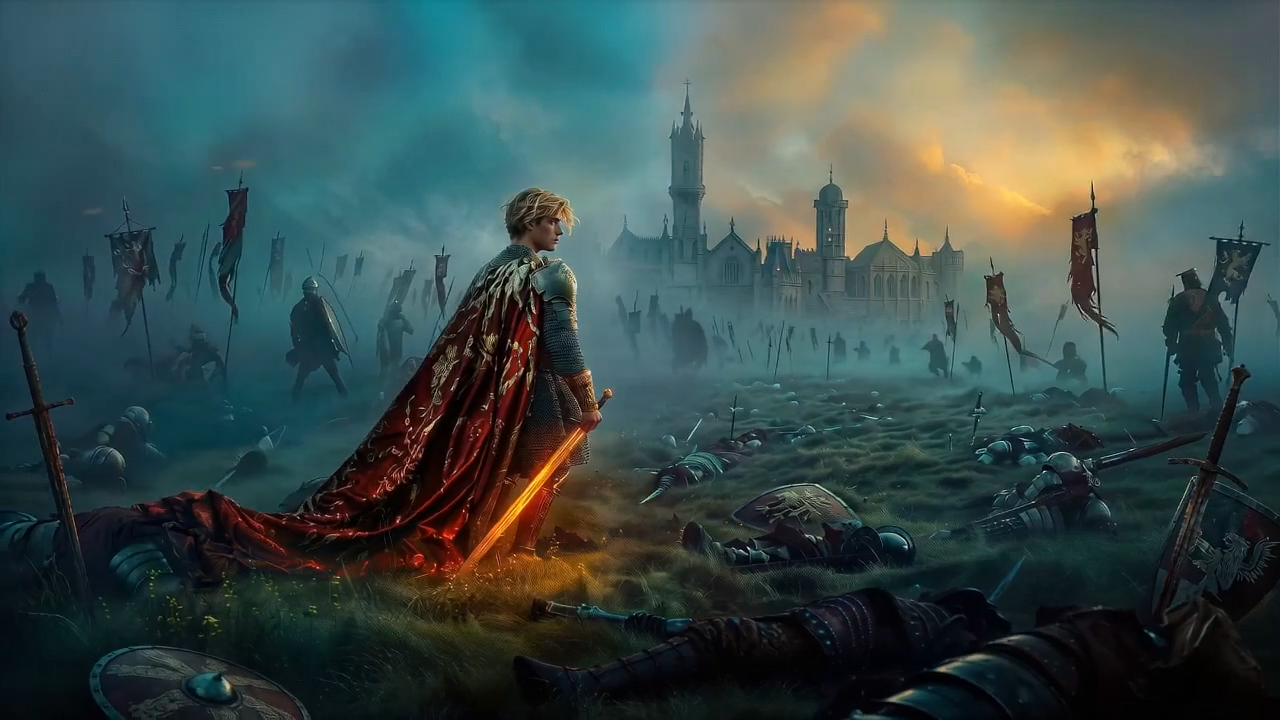
Multilingual on-screen text d…
Credit packs from $9.9 to $99.9 — scale Gemini Omni generation as you grow. A documented gemini omni api path is planned for enterprise tiers—see plan footnotes for API status.
One-time pack
One-time pack
One-time pack
One-time pack
Credits fund every Gemini Omni render you queue on OmniGen—text-to-video, image-to-video, remix, and chat-edit jobs share the same billing meter.
Choose one-time credits or subscription • Flexible billing options
Answers below match our FAQ structured data for Google rich results.
5 free credits on sign-up. Pick a template below and get credits on pricing to start generating.