
10 Viral Gemini Omni Examples (Day 1 Post-Launch)
Day-1 community demos from the May 19, 2026 launch — tap a card to expand the caption or prompt, then try it in our generator.
Avatars
Record a clip of yourself, and your face + voice will be saved as a character that you can add to any video.
This makes it so easy to put yourself in any clip, while changing your style or outfit as needed to adapt to the scene.
These clips are all my avatar 🤯
20 Cities in 10 Seconds with Gemini Omni
Create a 10s hyper-lapse selfie-travel video of uploaded character. Strict identity consistency across all locations. 20 distinct tourist spots worldwide with hard cuts on every single beat. Handheld selfie-stick camera angle, wide-angle lens capturing the character's face, specific outfits, and iconic landmarks. High clarity, vibrant cinematic color grading.
Podcast Cold Open
new podcast for omni model (aka nano banana for video). fun cold open
Absurd Multi-Scene Composition
I had early Gemini Omni access: "sea otter in a pilot's uniform explains why Spirit Airlines went bankrupt to a river otter who is distracted by their laptop while they are in a hot air balloon over NYC. in the next balloon over, william shakespeare fights a robot made of pizza"
Video Editing vs Generation
I think many are focusing on the wrong aspect of the Gemini Omni model when comparing it to Seedance 2.0, since conceptually they are entirely different things.
This is a model for editing videos (like Nano Banana) like we've never had before!
Insanely Great at Editing
Gemini Omni is so fun - insanely great at editing videos!
New Year's Eve Fireworks Edit
Editing videos is where Gemini Omni Flash really shines. It is so incredibly capable.
> Make it New Year's Eve with fireworks. Update the clock
London launched the fireworks early.
Gemini Omni Edit (V2V) Verification
Top: Original Video
Bottom: After Editing
It looks like the motion and composition are preserved while being edited naturally, right?
Character Replace / Scene Mood Edit / Reference Image Transfer
Frame & Perspective Cutting
cutting frames and perspectives using Gemini Omni
Gemini Omni Flash — Mona Lisa Edition
This model is so coherent in arts and science at the same time
zooming in monalisa showing paints to the molecules to atom with coherent text 🤯
omg we are so back and the speed , super hyped for omni pro
What Gemini Omni Can Do — 7 Headline Features
Every example above demonstrates one of Gemini Omni's 7 headline features. Here's the umbrella view behind those demos.
Feature 1
Multimodal Input
Drop in text, image, video, or audio — any combination — and Gemini Omni renders a coherent video output with synchronized sound.
Feature 2
Native Audio Generation
Audio (footsteps, dialogue lip-sync, ambient) is rendered in the same pass as the visual.
Feature 3
Conversational Edit (Chat-Edit)
Refine any frame in natural language. Every edit preserves the rest of the scene.
Feature 4
Character & World Consistency
Same character, wardrobe, and lighting stay locked across cuts — even across 20 different locations.
Feature 5
Style Transfer
Apply any visual style — anime, claymation, watercolor, Studio Ghibli — while preserving the original motion.
Feature 6
Camera & Perspective Control
Specify lens, focal length, angle, and motion in plain English. Mid-clip perspective changes work.
Feature 7
Physics & World Knowledge
Gemini Omni reasons about physics (gravity, fluid dynamics) and pulls on real-world knowledge for coherent scenes.
How to Try These Examples in Our Generator
Every prompt above is publicly shared. You can copy any of them verbatim and run them in our Gemini Omni AI Video Generator — your first 5 generations are free, no credit card required.
1️⃣
Pick any example above, copy the prompt
All 10 prompts work in our generator
2️⃣
Sign up free at our pricing page — 5 credits at signup
No card
3️⃣
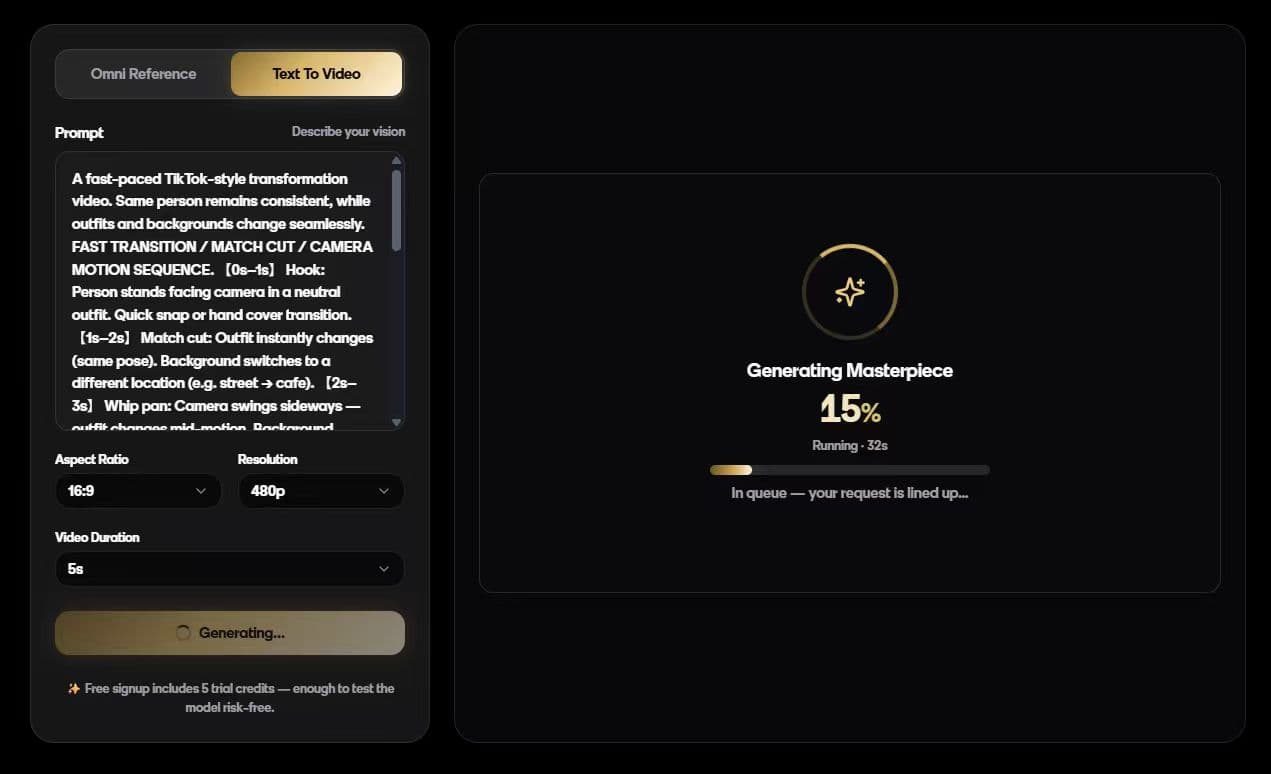
Paste prompt → generate → optionally chat-edit to refine
Flash 15–30 s; full mode 30–90 s
Pro tip
The "hyperlapse" example (#4) and "Mona Lisa zoom" (#10) work best when you upload a reference image alongside the prompt. The "absurd scene" example (#5) works best on the full Gemini Omni model (not Flash) — long, dense prompts need the bigger model.