
Native multimodality.
The model is designed to reason across text, image, audio, and video together, making it better suited for creative workflows where references, motion, sound, and style all matter.
Build, edit, and refine video with the first model in Google's Gemini Omni family. Combine prompts, image references, and video references, then keep shaping the result through conversational edits powered by Gemini Omni style reasoning and world knowledge.
Gemini Omni Flash brings a deeper understanding of locations, environments, cultural references, and historical settings, helping generate content that feels more grounded and believable. It can also render clearer, more realistic text within scenes while supporting more natural interactions between characters, objects, and environments.
Whether you are creating a modern city street, a historical setting, or a location inspired by a specific culture, Gemini Omni Flash is designed to better understand the context behind the scene and reflect it more accurately in the final output.
Gemini Omni Flash is built to work with text, images, and video, making it easier to bring different creative inputs together in a single workflow. Creatives can use references to guide generation, maintain character consistency across scenes, transfer styles and motion between assets, and even transform sketches or rough concepts into video sequences.
By combining multiple forms of input, Gemini Omni Flash opens up new ways to turn inspiration, references, and existing creative assets into richer video outputs.
Gemini Omni Flash introduces more advanced editing workflows powered by natural language instructions. Instead of starting over, creatives can refine existing videos by changing actions, replacing objects, updating scenes, adjusting camera perspectives, modifying characters, and evolving creative direction through an ongoing editing process.
This conversational approach makes it easier to experiment, iterate, and develop ideas while maintaining continuity across edits and revisions.
Gemini Omni Flash is best understood as a multimodal creative model with a video workflow on top. The table below maps its public positioning to the controls exposed in this generator.
| Capability | Gemini Omni Flash | What it means for creators |
|---|---|---|
| Model family | First Gemini Omni family model | A new Gemini line focused on multimodal creation rather than text-only generation. |
| Primary workflow | Generate, edit, and refine conversationally | Create a first pass, then keep improving it with plain-language instructions. |
| Inputs | Text, image, and video references in this generator | Guide the scene with prompts, stills, existing clips, products, characters, or motion references. |
| Continuity | Reference-guided subject and scene consistency | Useful for product demos, character shots, and campaigns where identity must stay recognizable. |
| Context | Gemini-style world knowledge | Prompts involving real-world objects, places, lighting, or materials can be interpreted with more context. |
| Duration in this generator | 4, 6, 8, or 10 seconds; reference-video duration when provided | Good fit for ads, social clips, storyboards, and short cinematic shots. |
| Resolution in this generator | 720p, 1080p, or 4k options | Choose faster previews or sharper exports depending on the job. |
| Trust signals | SynthID and C2PA-style provenance are part of the broader Gemini Omni positioning | AI-generated media should be labeled and handled transparently in publishing workflows. |
From educational explainers to product remixes and social hooks, Gemini Omni-style workflows are designed for fast, prompt-led AI video creation.
The model is designed to reason across text, image, audio, and video together, making it better suited for creative workflows where references, motion, sound, and style all matter.
Keep editing by describing the next change: swap a product, adjust lighting, alter a background, change a style, or refine motion while preserving the direction of the shot.
Use images and clips to anchor character identity, product appearance, framing, and motion so the output stays closer to the assets and story you already have.
Gemini Omni Flash can draw on Gemini-style world understanding, helping prompts about places, objects, materials, and cultural context resolve into more plausible scenes.
Use Gemini Omni Flash when the work needs more than a one-shot prompt. It is strongest when references, continuity, context, and multi-turn edits all matter.
Create vertical or landscape clips for Reels, TikTok, Shorts, launch teasers, and campaign variants while keeping the core idea consistent across edits.
Use reference assets to guide product appearance or character identity, then request props, wardrobe changes, settings, or motion adjustments.
Move a clip toward a new visual language, lighting setup, or cinematic mood while preserving the central action and composition.
Use Gemini-style context to turn places, materials, camera direction, and narrative cues into a moving preview before production.
Generate a first pass, compare variations, then refine the strongest one through conversational edits instead of rebuilding every prompt.
Omni is to video what Nano Banana is to images: direct any frame, any moment, any detail with plain language. No timelines, no masks, just intent.
Recast the aesthetic, retime the action, and swap the mood while the source video stays the foundation. Gemini Omni Flash reshapes the scene on top of it.
Input image
Input video
Drop in a reference and let it steer the edit: composition, palette, character likeness, and direction in one frame, applied across the shot.
Try it nowTrade a coffee cup for a wine glass, a sedan for a stallion, or a stranger for the lead by name. The scene stitches itself back together.
Built-in world understanding helps gravity, momentum, collisions, fabric, water, and small objects move the way the scene expects.
Try it nowDraw on real history, real science, and real-world context so prompts about people, materials, places, and ideas resolve with believable detail.
Go beyond flat captions. Make words land on the beat, react to the action, and feel like they belong inside the shot rather than pasted on top.
Try it nowGenerating your first Gemini Omni video takes about 2 minutes — describe, generate, then refine.
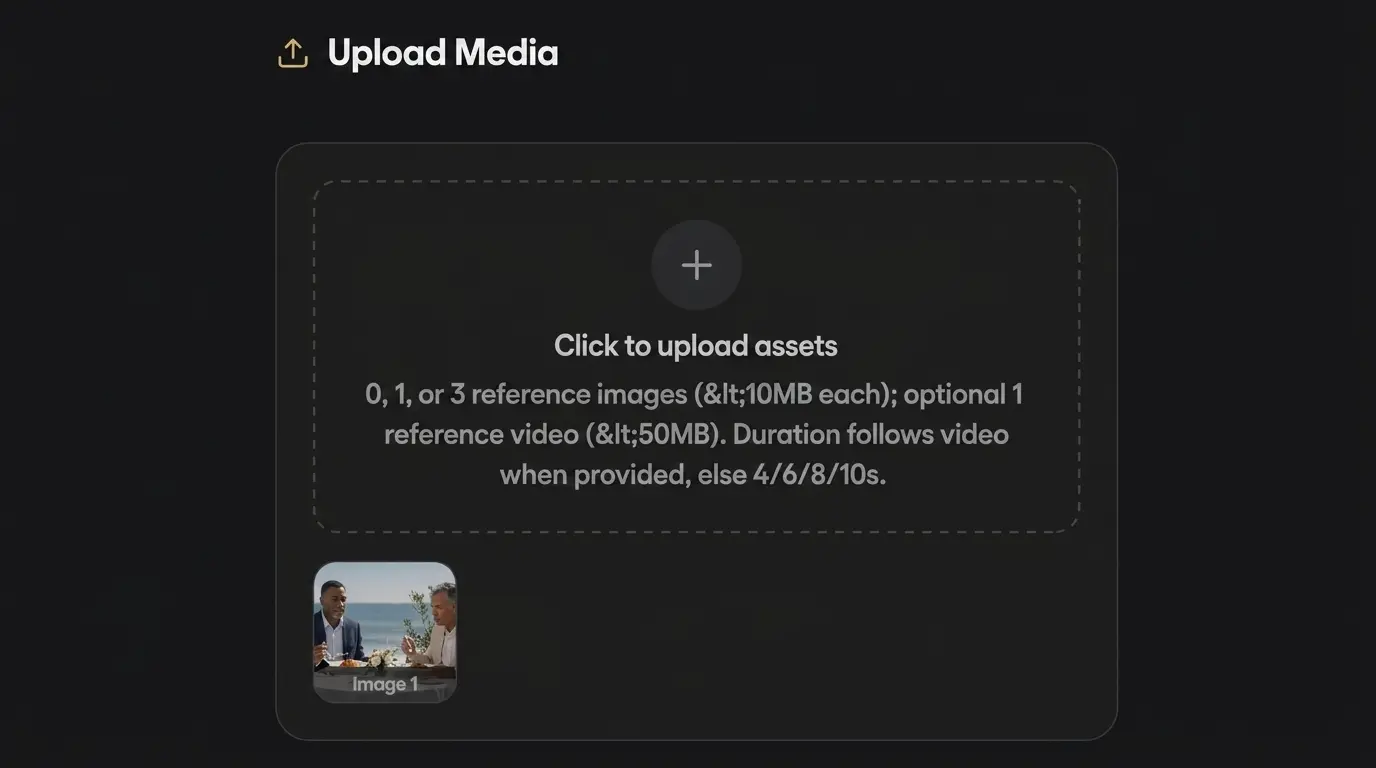
Type a natural-language prompt, drop in a reference image, or upload an existing video to remix. No prompt-engineering PhD required.
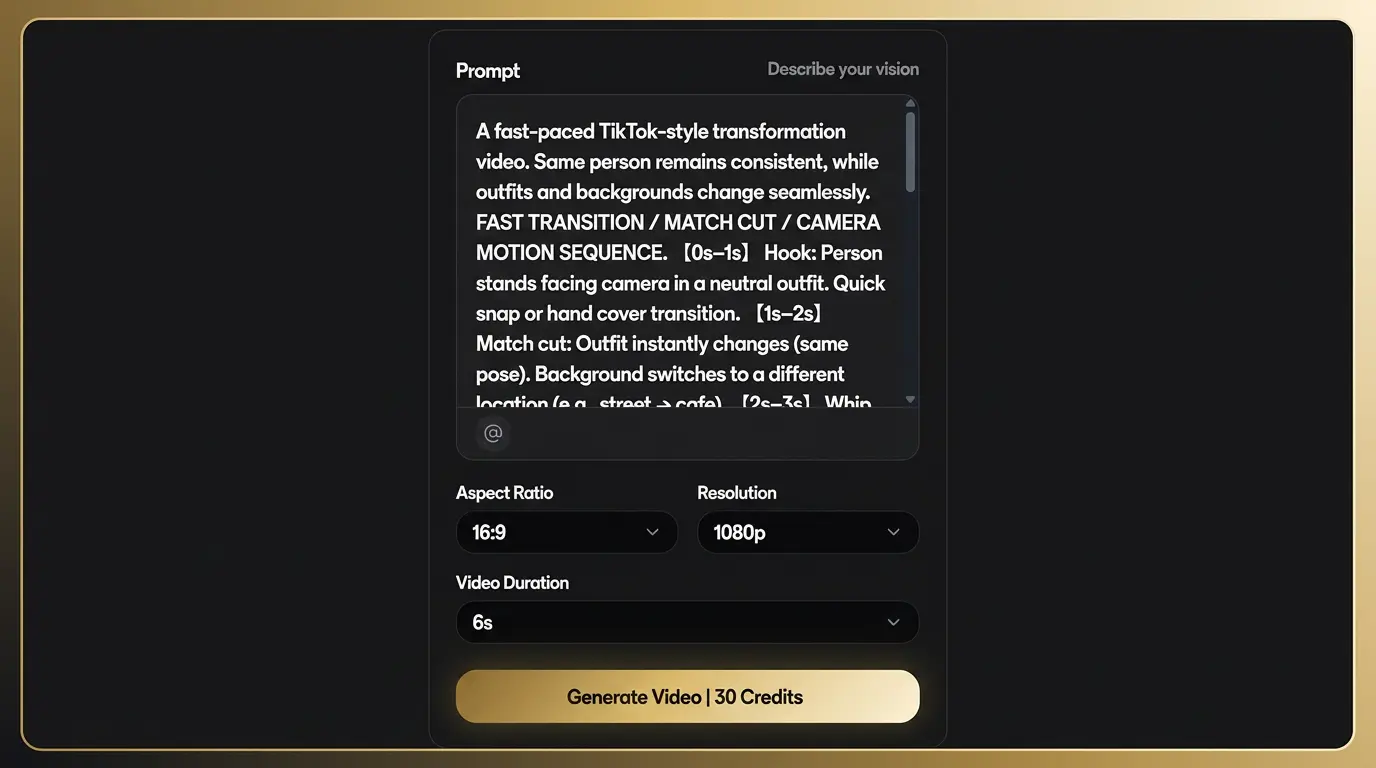
Gemini Omni reasons across text, image and video in one pass. 720p–4K output, 4–20 seconds, ready in 30–90 seconds.
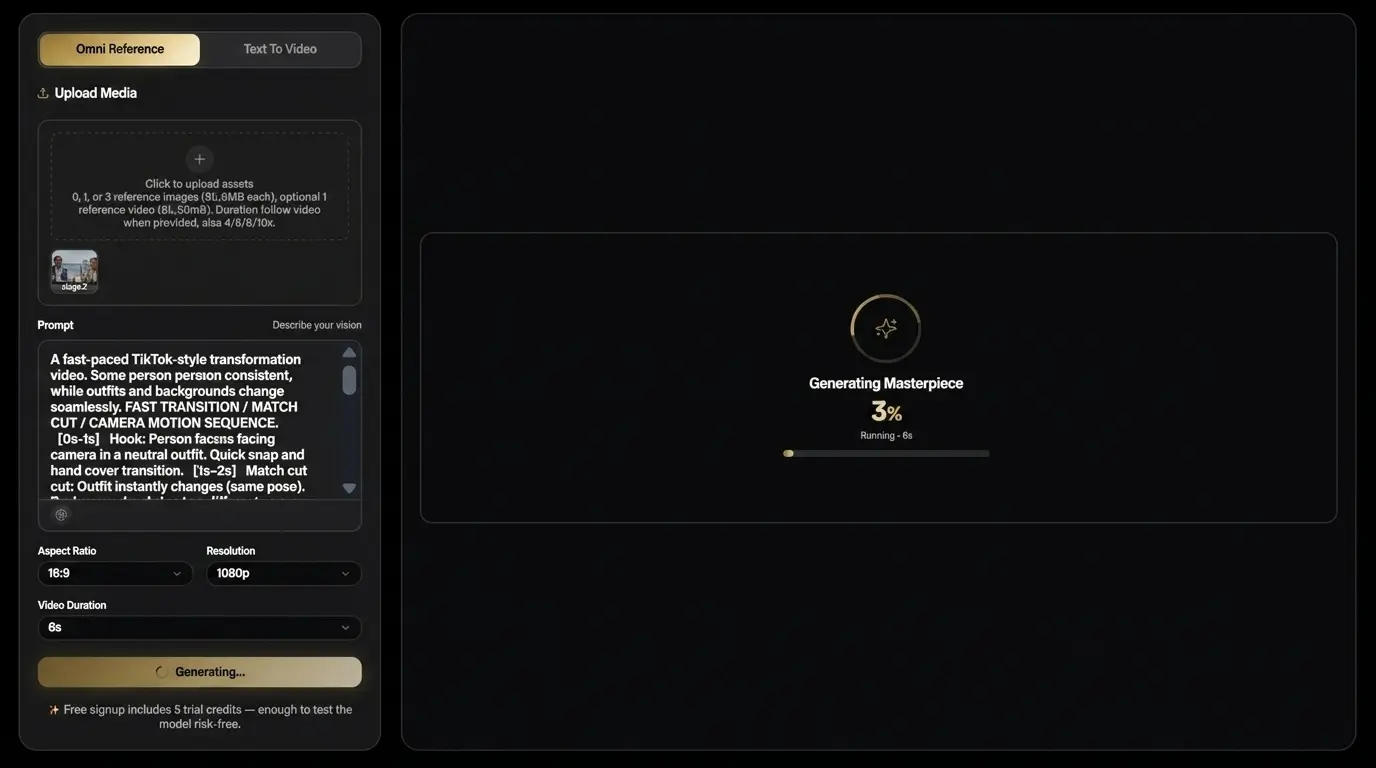
Refine any frame by chatting with the model. Export MP4, WebM or GIF. Commercial license included on all paid plans.
Start free with 5 credits at signup. Credit packs scale from $9.9 (Starter) to $99.9 (Professional). Commercial license included on all paid packs. All Gemini Omni packs are one-time purchases — no subscriptions, no auto-renewal.
One-time pack
One-time pack
One-time pack
One-time pack
Credits fund every Gemini Omni render you queue on Gemini Omni—text-to-video, image-to-video, remix, and chat-edit jobs share the same billing meter.
Choose one-time credits or subscription • Flexible billing options
Answers below match our FAQ structured data for Google rich results.
Start with 5 trial credits, generate a short clip, then refine it with prompts, image references, and video references. No credit card required for signup.